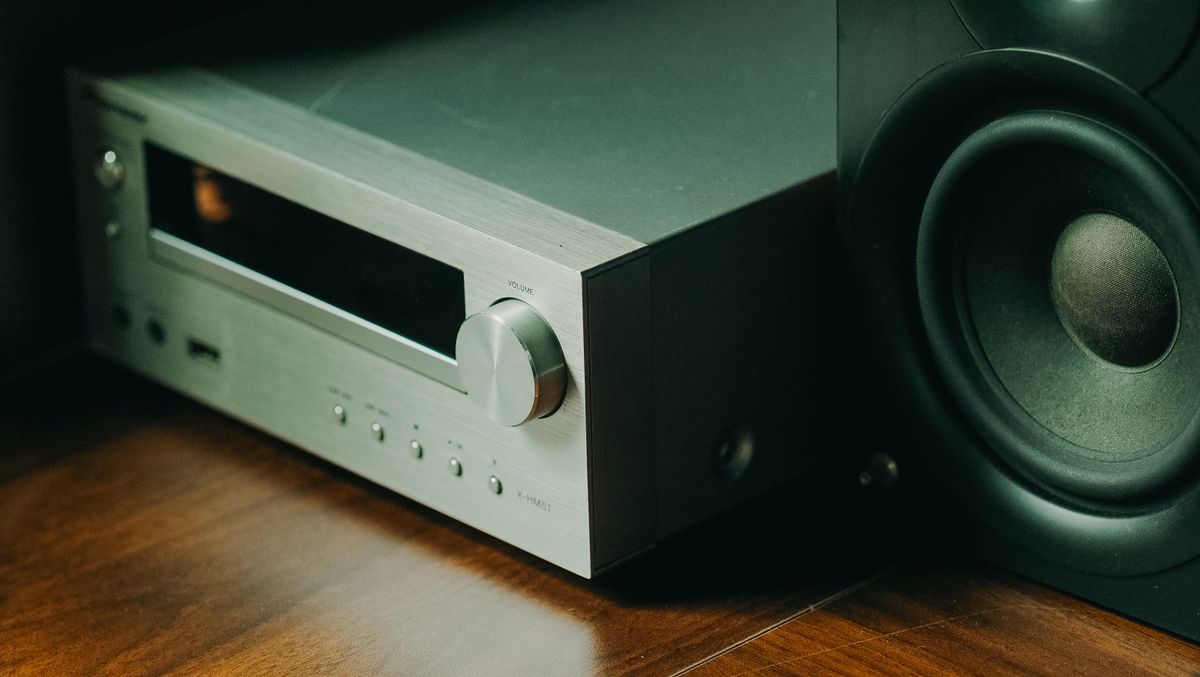
An optical audio cable (also called TOSLINK) transmits digital sound as pulses of light through a fiber optic strand. It is the same technology that powers the internet — fibre optics — applied to audio. The cable carries compressed 5.1 surround sound or uncompressed stereo from your TV, game console, or CD player to a soundbar, AV receiver, or speaker system.
Here is what we cover: what an optical audio cable is, how it works (the physics of light through fibre), how it compares to HDMI and coaxial digital audio, and a simple setup guide.
What Is an Optical Audio Cable?
An optical audio cable is a digital connection that uses fibre optic technology to send audio signals as light pulses. The connector is called TOSLINK — short for Toshiba Link — because Toshiba created the standard in 1983 to connect their CD players to their receivers.
The end of the cable has a distinctive square-ish plug with a small rectangular opening. When plugged in, you can often see a faint red glow inside — that is the infrared light carrying your audio signal.
Optical audio cables carry two types of signal:
- Uncompressed stereo PCM — two-channel audio, the same format as a CD
- Compressed 5.1 surround sound — Dolby Digital and DTS, used by DVDs, Blu-rays, and streaming services
They do not carry video, high-resolution formats like Dolby TrueHD, or object-based surround like Dolby Atmos (the lossless versions).
How an Optical Audio Cable Works
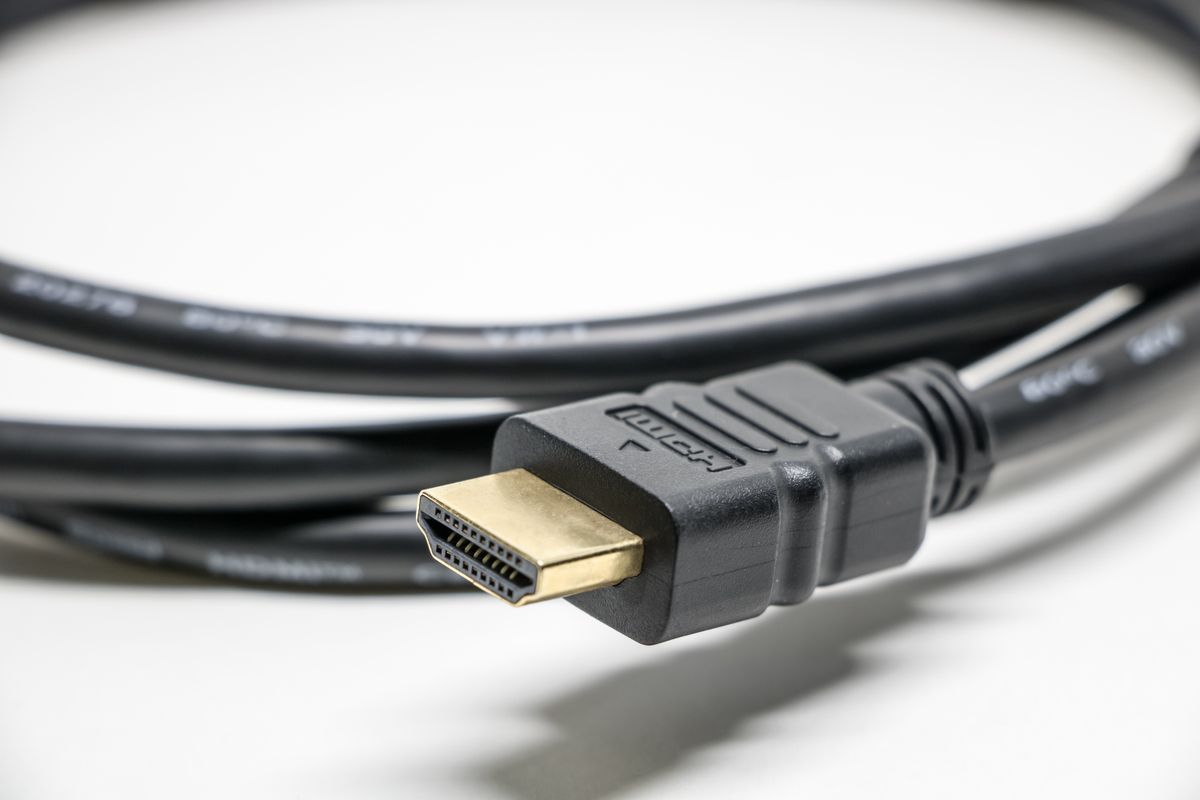
Inside an optical audio cable, there is a thin strand of plastic or glass optical fibre. The source device — say, your TV — converts the electrical audio signal into a stream of light pulses using an LED or laser diode. These pulses travel through the fibre by total internal reflection, the same physics that keeps light trapped in a glass fibre for kilometres.
Here is the picture. Imagine a ball bouncing down a long, narrow hallway. Every time it hits the wall, it bounces back toward the centre. Inside the fibre, light does the same thing. It enters the core of the fibre, hits the core–cladding boundary at a shallow angle, and reflects perfectly back inside — over and over, for the entire length of the cable, until it reaches the far end.
At the receiving end, a photodiode detects the light pulses and converts them back into an electrical signal that your soundbar or receiver can amplify and play through speakers.
The light is infrared, with a wavelength of about 650 nm — visible as a faint red glow. The data rate is modest by modern standards: the S/PDIF protocol that TOSLINK uses runs at about 3.1 Mbit/s for standard PCM audio, and common receivers handle up to about 15 Mbit/s. This is far less than the gigabits that data fibre carries, but more than enough for CD-quality surround sound.
Optical Audio vs HDMI: Which Should You Use?
This is the most common question about optical audio cables. The answer depends on what you need.
Use HDMI when:
- You want to send both audio and video in one cable
- You need high-resolution audio formats (Dolby TrueHD, DTS-HD Master Audio, Dolby Atmos)
- Your devices support HDMI ARC or eARC (simplifies connections)
- You want the simplest setup with a single cable per device
Use optical audio when:
- Your AV receiver or soundbar lacks HDMI inputs
- You want to separate audio from video (e.g., send TV audio to an older receiver)
- You need to eliminate ground loop hum — optical cables provide galvanic isolation, meaning no electrical connection exists between the two devices
- Your devices are far apart (optical cables can run up to 10 m without issues)
For stereo music or compressed 5.1 surround sound, the audio quality is identical between optical and HDMI. The difference only matters with high-resolution audio formats.
Optical Audio vs Coaxial Digital Audio
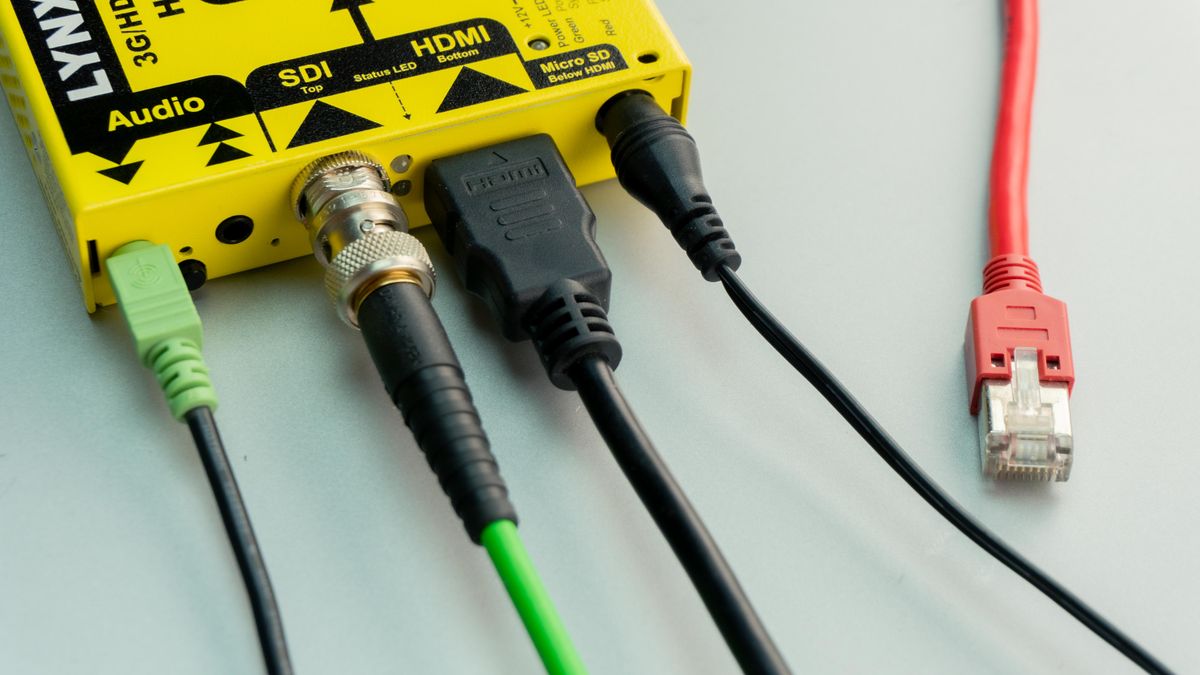
Optical and coaxial digital audio are both forms of S/PDIF (Sony/Philips Digital Interface). They carry the same data and offer the same audio quality. The only difference is the physical medium:
- Optical uses light through a fibre optic cable
- Coaxial uses electricity through an RCA cable
Advantages of optical: complete electrical isolation (no ground loops, no hum), immunity to radio frequency interference (RFI), and no risk of electrical damage between devices.
Advantages of coaxial: slightly cheaper cables, more rugged connectors, and potentially longer runs with high-quality coax.
For nearly all home setups, the choice is a matter of convenience — use whichever connection your devices support. If you hear hum or buzzing through coaxial, switch to optical.
How to Set Up an Optical Audio Connection
Setting up an optical audio connection takes about two minutes:
-
Locate the optical ports on your source (TV, game console) and your audio device (soundbar, receiver). They are usually labelled OPTICAL, OPT, or TOSLINK, and covered by a small plastic flap or cap.
-
Remove the protective caps from both ends of the cable and from the ports.
-
Plug the cable in. The square TOSLINK connector only fits one way. Push gently until it clicks into place. You should see a faint red glow at the connector if the source is on and sending audio.
-
Change the audio output setting on your source device. On a TV, go to Settings → Sound → Audio Output and select Optical or PCM/Dolby Digital. On a game console, select Optical in the audio output menu.
-
Select the correct input on your soundbar or receiver. Use the remote to choose the optical input (usually labelled OPT 1, OPT 2, or similar).
-
Test with known content. Play a movie or song with clear audio. If you hear crackling or no sound, check that the cable is fully seated and that the source output format matches what your receiver supports (PCM for stereo, Dolby Digital for surround).
For most setups, this is all you need. The cable carries both the audio data and the clock timing in the S/PDIF bitstream, so there is no separate configuration needed for synchronisation.
A Common Misconception: Fibre Is Fragile and Easy to Break
A common worry about optical audio cables is that the fibre inside is fragile and will break if you bend the cable. This is mostly outdated. Modern TOSLINK cables use plastic optical fibre (POF) that is surprisingly flexible and durable for normal home use. You can bend it around corners with a radius of about 25 mm without damage.
The real limitation is length, not fragility. Plastic optical fibre has high attenuation — about 1 dB per metre at 650 nm — which means the light gets weaker the longer the cable runs. Beyond about 5 metres, the signal may become too weak for the receiver to read reliably. Glass optical fibre cables exist for longer runs but are less common and more expensive.
Another concern: the window on the connector can get scratched, reducing light transmission. Keep the protective caps on when the cable is not in use, and wipe the connector with a dry cloth if needed. The plastic fibre inside will last for years under normal conditions.
External resources
- TOSLINK — Wikipedia — technical reference covering history, connector types, specifications, and compatibility
- What Is a TOSLINK Cable? — AEANET — clear guide explaining TOSLINK functionality, advantages, and common questions
For the physics that makes optical audio possible, start with what is optical fiber. For the complete list of applications, read what are fiber optic cables used for. The principle of total internal reflection that traps light in the cable is explained in our total internal reflection guide.
Frequently Asked Questions
What is an optical audio cable?
An optical audio cable — also called TOSLINK — is a digital audio connection that transmits sound as pulses of light through a fiber optic strand. It carries compressed 5.1 surround sound (Dolby Digital, DTS) or uncompressed stereo PCM audio between devices like TVs, soundbars, AV receivers, and game consoles. It does not carry video signals.
Is optical audio better than HDMI?
HDMI is better for most users because it carries both audio and video in one cable and supports high-resolution formats like Dolby TrueHD and DTS-HD Master Audio. Optical audio is better when you need to separate audio from video (e.g., send audio to an older receiver that lacks HDMI), when your devices are far apart, or when you need galvanic isolation to eliminate ground loop hum. For stereo or compressed 5.1 sound, both are identical in quality.
What is the difference between TOSLINK and optical audio?
There is no difference. TOSLINK is the technical name for the optical audio connector standard, created by Toshiba in 1983 (short for Toshiba Link). Optical audio is the generic term. Every TOSLINK port is an optical audio port, and every optical audio cable with a square-ended connector is a TOSLINK cable.
Does optical audio cable support 5.1 surround sound?
Yes. Optical audio supports compressed 5.1 surround sound formats including Dolby Digital and DTS. It does not support the newer high-resolution formats like Dolby TrueHD, DTS-HD Master Audio, or Dolby Atmos (the lossless/object-based versions). For those formats, you need HDMI or a multi-channel analog connection.
How long can an optical audio cable be?
Standard TOSLINK cables with plastic optical fiber (POF) are reliable up to about 5 metres (16 feet), with a technical maximum of 10 metres (33 feet). Beyond that, signal loss in the plastic fiber causes dropouts. For longer runs, you need glass optical fibre cables or a signal booster/repeater.
Does optical audio cable carry video?
No. Optical audio cables carry audio only. They transmit digital sound as light pulses and contain no video signal. If you need to send both audio and video between devices, use an HDMI cable. Optical audio is strictly for sound.
Can I connect optical audio to a soundbar?
Yes. Most soundbars have an optical audio input (labelled OPTICAL, OPT, or TOSLINK). This is one of the most common uses for optical audio cables. Connect the optical output from your TV to the optical input on the soundbar. The TV must be set to output PCM or Dolby Digital in its audio settings.
What does the red light inside an optical cable mean?
The red glow you see at the end of a TOSLINK cable is the infrared laser or LED light carrying the digital audio signal. The light has a wavelength of around 650 nm (visible red). If the light is present, the cable is connected and transmitting. If there is no light, the source device is off, muted, or not sending audio.
Is optical audio cable obsolete?
Not yet. While HDMI has replaced optical for most home theater connections, optical audio remains widely used for connecting TVs to soundbars, older AV receivers, and devices where HDMI is impractical. It is also valued in professional audio for its galvanic isolation — it breaks ground loops that cause hum in electrical connections.
Can I use an optical audio cable with a computer?
Yes. Many desktop computers and laptops have a TOSLINK output, often combined with a 3.5mm headphone jack (mini-TOSLINK). You need a cable with a mini-TOSLINK connector at the computer end and a standard TOSLINK connector at the receiver end. Gaming consoles like PlayStation and Xbox also have optical outputs.

About Umar Farooq
Umar Farooq writes in-depth guides on the physics of light and optics — from reflection, refraction, and lenses to diffraction, lasers, and fiber optics, explained from first principles.
Read more about Umar Farooq →