
There are 7 standard types of fibre optic cable: 2 single-mode (OS1, OS2) and 5 multimode (OM1 through OM5). Each type is designed for a different balance of distance, bandwidth, and cost. The key to choosing the right type of fibre optic cable — and the main difference between them — is the core diameter and the number of light paths (modes) it supports.
Here is what we cover: what a mode actually means, each of the 7 cable types explained, a head-to-head comparison table, how to choose the right type, and common mistakes when identifying fibre types by sight.
What Is a Mode in Fibre Optics?
A mode is simply a path that light can take down the fibre. The number of modes a fibre supports depends on the core diameter and the wavelength of light.
Picture a long, straight motorway. Single-mode fibre is a single-lane road: there is only one path, so every car stays in lane and arrives at the same time. Multimode fibre is a multi-lane motorway: cars spread across many lanes, take slightly different routes, and arrive at different times. That difference in arrival time — modal dispersion — limits how far and how fast multimode fibre can transmit.
In the physics: light enters the fibre at different angles. Each angle corresponds to a different mode. A narrow core (9 µm) allows only one angle — one mode. A wide core (50 or 62.5 µm) allows many angles — many modes. The larger the core, the more modes it supports, and the shorter the useful distance becomes.
OS1 and OS2: The Two Single-Mode Types
Single-mode fibre uses a 9 µm core and a laser source to send light straight down the centre. With only one mode, there is no modal dispersion, and the distance limit is set by pure signal loss (attenuation) rather than pulse spreading.

OS1 Single-Mode (Tight Buffer)
OS1 is the indoor single-mode type. It uses tight-buffered construction — the 900 µm buffer coating is bonded directly to the 250 µm coated fibre. This makes OS1 cables stiffer, tougher, and easier to terminate with connectors for indoor runs.
- Core / cladding: 9 / 125 µm
- Max attenuation: 1.0 dB/km at 1310/1550 nm
- Max distance: approximately 2 km
- Jacket colour: Yellow
- Primary use: Indoor risers, campus backbones, patch cables
- Standard: ITU-T G.652.A/B
OS1 was the original single-mode standard. It works well inside buildings where cable bends are tighter and physical robustness matters more than ultra-low loss.
OS2 Single-Mode (Loose Tube)
OS2 is the outdoor and long-haul single-mode type. It uses loose-tube construction — the coated fibres sit loosely inside semi-rigid plastic tubes filled with water-blocking gel. The gel prevents moisture from reaching the glass, and the loose arrangement lets the fibre expand and contract with temperature without stress.
- Core / cladding: 9 / 125 µm
- Max attenuation: 0.4 dB/km at 1310 nm, 0.25 dB/km at 1550 nm
- Max distance: 100 km or more with appropriate transceivers
- Jacket colour: Yellow (indoor cables), black (outdoor cables)
- Primary use: Submarine cables, intercity links, FTTH, long-haul telecom
- Standard: ITU-T G.652.C/D
OS2 has significantly lower attenuation than OS1 because the fibre itself is purer. The loose-tube design handles temperature swings better. OS2 is the default single-mode type for new installations worldwide.
OM1 to OM5: Five Generations of Multimode
Multimode fibre uses a larger core (50 or 62.5 µm) and supports multiple light paths. Each generation from OM1 to OM5 increased bandwidth and distance by improving the glass quality and optimising the fibre for better light sources.
OM1
OM1 is the original 62.5 µm multimode type, introduced in the 1980s and optimised for LED light sources.
- Core / cladding: 62.5 / 125 µm
- Effective modal bandwidth: 200 MHz·km at 850 nm
- Max 10GbE distance: 33 metres
- Max 1GbE distance: 300 metres
- Jacket colour: Orange
- Primary use: Legacy networks, older building backbones
OM1 is now largely obsolete for new installations. Its larger core and low bandwidth make it unsuitable for modern high-speed networks.
OM2
OM2 uses a 50 µm core instead of 62.5 µm, which gives it higher bandwidth. It was still designed for LED sources.
- Core / cladding: 50 / 125 µm
- Effective modal bandwidth: 500 MHz·km at 850 nm
- Max 10GbE distance: 82 metres
- Max 1GbE distance: 600 metres
- Jacket colour: Orange
- Primary use: Legacy data centres, shorter campus runs
Like OM1, OM2 is being phased out in favour of laser-optimised types. You will still find it in older installations, but new cabling projects rarely specify OM2.
OM3 (Laser-Optimised)
OM3 was the first multimode type designed specifically for VCSEL (vertical-cavity surface-emitting laser) sources rather than LEDs. VCSELs couple light into the fibre more efficiently and allow higher data rates.
- Core / cladding: 50 / 125 µm
- Effective modal bandwidth: 2000 MHz·km at 850 nm
- Max 10GbE distance: 300 metres
- Max 40/100GbE distance: 100 metres
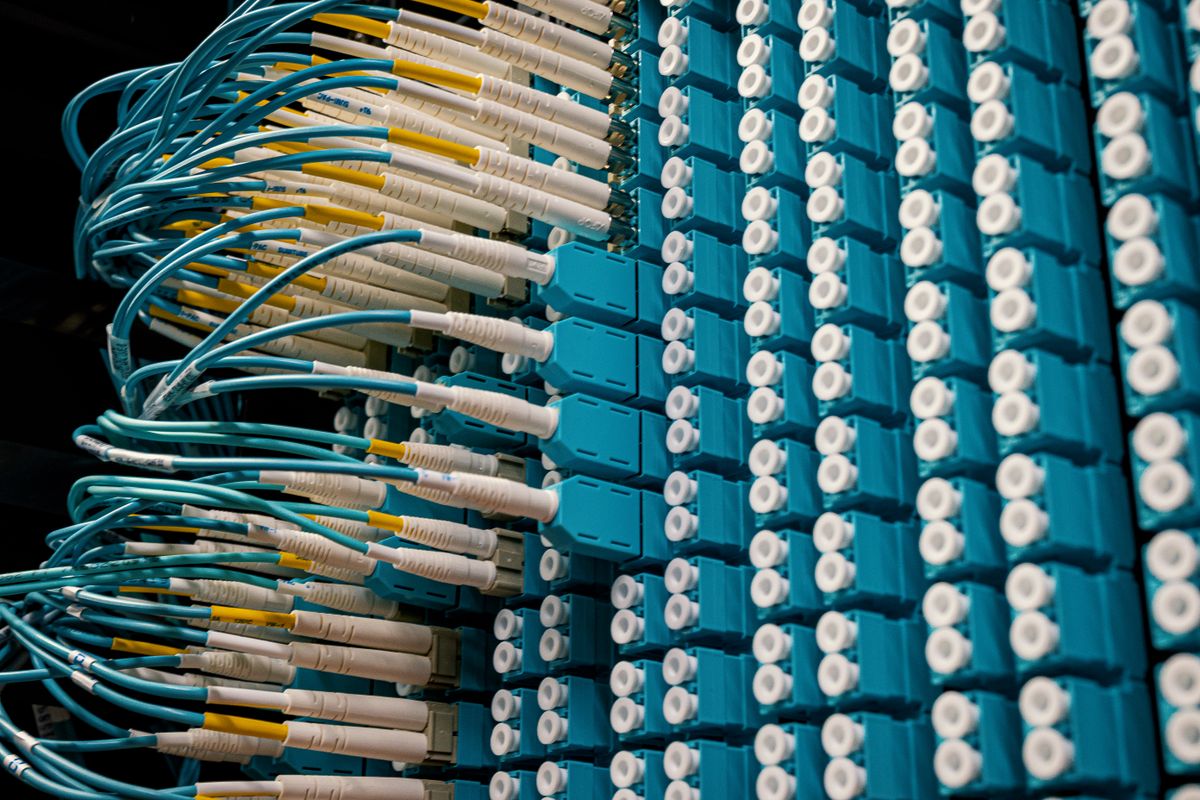
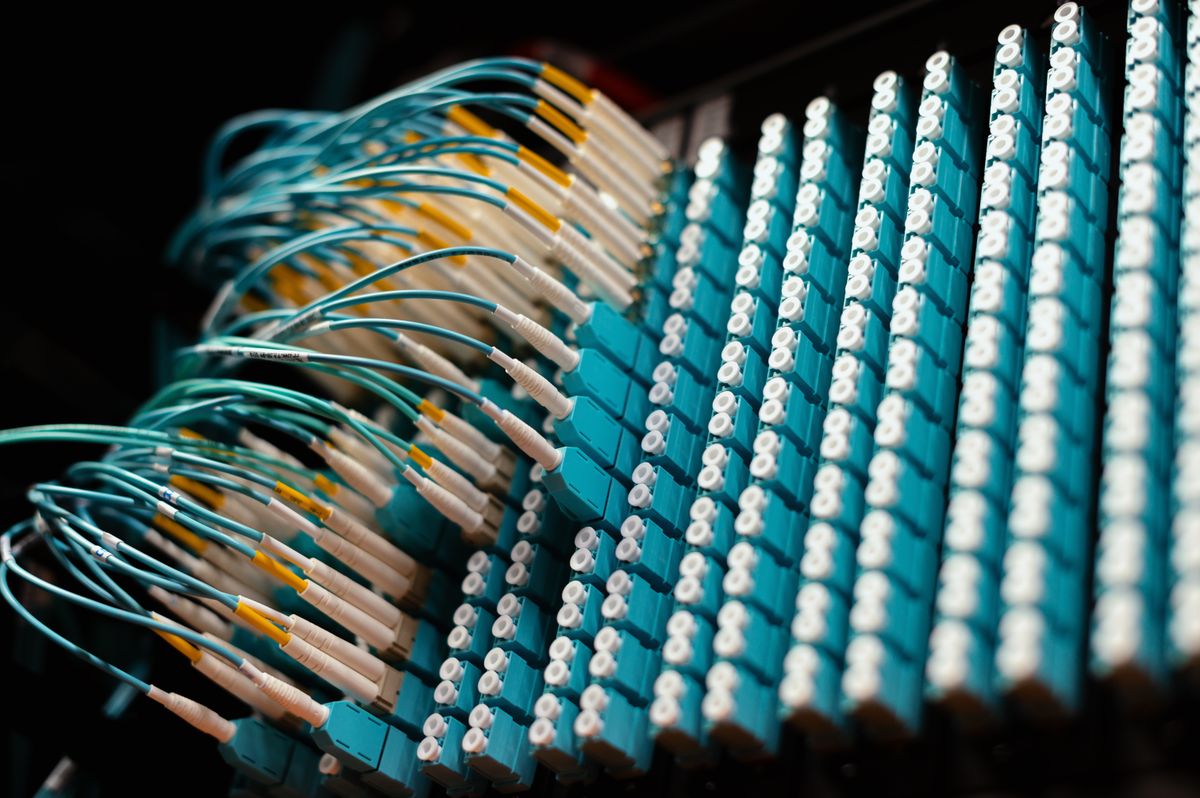
- Jacket colour: Aqua (cyan)
- Primary use: Data centres, high-speed local networks
OM3 was a breakthrough when it arrived around 2002. The jump from 500 to 2000 MHz·km was enough to support 10 Gigabit Ethernet at practical data-centre distances.
OM4
OM4 is an improved version of OM3 with roughly double the bandwidth. It uses the same 50 µm laser-optimised design but with tighter tolerances that reduce differential mode delay.
- Core / cladding: 50 / 125 µm
- Effective modal bandwidth: 4700 MHz·km at 850 nm
- Max 10GbE distance: 550 metres
- Max 40/100GbE distance: 150 metres
- Max 400GbE distance: 100 metres
- Jacket colour: Aqua (cyan)
- Primary use: High-speed data centres, enterprise networks
OM4 is the current standard for new multimode data-centre installations.
OM5 (Wideband)
OM5 is the newest multimode standard, ratified in 2016. It uses the same 50 µm core as OM3 and OM4 but is optimised for a wider wavelength range: 850–950 nm instead of just 850 nm. This allows shortwave wavelength division multiplexing (SWDM) — sending multiple colours of light down the same fibre to multiply capacity.
- Core / cladding: 50 / 125 µm
- Effective modal bandwidth: 4700 MHz·km at 850 nm, plus 2470 MHz·km at 880, 910, and 940 nm
- Max 40/100GbE distance (SWDM4): 150 metres using 4 wavelengths
- Jacket colour: Violet (light purple)
- Primary use: Next-gen data centres, SWDM applications
OM5 is designed to support 40 and 100 Gigabit Ethernet over a single pair of fibres by using four different laser colours. This is useful in data centres where fibre counts are limited.
All 7 Fibre Types at a Glance
| Property | OS1 | OS2 | OM1 | OM2 | OM3 | OM4 | OM5 |
|---|---|---|---|---|---|---|---|
| Core diameter | 9 µm | 9 µm | 62.5 µm | 50 µm | 50 µm | 50 µm | 50 µm |
| Cladding | 125 µm | 125 µm | 125 µm | 125 µm | 125 µm | 125 µm | 125 µm |
| Max attenuation | 1.0 dB/km | 0.4 dB/km | 3.5 dB/km | 3.5 dB/km | 3.0 dB/km | 3.0 dB/km | 3.0 dB/km |
| Modal bandwidth | N/A | N/A | 200 MHz·km | 500 MHz·km | 2000 MHz·km | 4700 MHz·km | 4700+ MHz·km |
| Max 10GbE | ~2 km | 10+ km | 33 m | 82 m | 300 m | 550 m | 550 m |
| Max 100GbE | ~2 km | 10+ km | N/A | N/A | 100 m | 150 m | 150 m |
| Light source | Laser | Laser | LED | LED | VCSEL | VCSEL | VCSEL |
| Jacket colour | Yellow | Yellow | Orange | Orange | Aqua | Aqua | Violet |
| Typical use | Indoor riser | Long-haul | Legacy | Legacy | Data centre | High-speed DC | SWDM DC |
Attenuation figures are approximate maxima. Actual values depend on fibre quality and manufacturer.
How to Choose the Right Fibre Optic Cable Type
The choice comes down to three questions.
How far does the signal need to go? Over 2 km requires single-mode (OS2). Under 300 m works with any multimode type, but use OM4 for future-proofing. Between 300 m and 550 m OM4 handles 10GbE; beyond that, switch to OS2.
What data rate do you need? 1 Gigabit Ethernet works on any multimode type. 10 GbE requires OM3 or better for distances over 82 m. 40 or 100 GbE needs OM4 or OM5. For 400 GbE, single-mode is the practical choice.
Are you building new or replacing? For new installations, use OS2 single-mode for any run over 100 m and OM4 for short data-centre runs. OM1 and OM2 are legacy types — avoid them for new builds.
The trend across the industry is clear: single-mode fibre is taking over. OS2 now costs less per metre than OM4 because it is produced in much higher volumes. The transceivers are more expensive, but for new installations, single-mode is increasingly the standard even for shorter runs.
A Common Misconception: All Yellow Fibre Is the Same
Many people assume that any yellow-jacketed fibre is "single-mode" and leave it at that. But OS1 and OS2 have different performance limits. Using OS1 outdoors is a mistake — its tight-buffered construction can crack in freezing temperatures and its 1.0 dB/km attenuation limits reach. Using OS2 indoors works technically but is more expensive and harder to terminate than OS1.
Similarly, not all aqua fibre is OM4. OM3 and OM4 share the same jacket colour. The only way to tell them apart is to read the printing on the cable jacket, which specifies the type and bandwidth rating. If the cable says "OM3 50/125 2000 MHz·km," it is OM3. "OM4 50/125 4700 MHz·km" is OM4.
The industry standard TIA-598-C defines the colour code, but manufacturers sometimes deviate. Always check the printed spec, not just the colour.
External resources
- Wikipedia: Optical Fiber — Types — comprehensive reference on OS and OM types, dimensions, and performance specifications
- Cable Matters: Fiber Optic Cable Types — Complete Guide — practical guide to cable types, jacket colours, and connector identification
- Corning: Optical Fiber Product List — manufacturer specifications for SMF-28 Ultra (OS2) and ClearCurve (OM4/OM5) fibres
For the physics that makes fibre optics possible, see our guide on total internal reflection. For a broader introduction, read what is optical fiber. For how the glass is made and structured, see what is fiber optic cable made of.
Frequently Asked Questions
What are the different types of fiber optic cable?
There are two main types: single-mode and multimode. Within single-mode, there are OS1 (tight-buffered, for indoor use) and OS2 (loose-tube, for outdoor and long-haul). Within multimode, there are OM1 (62.5 µm core, 200 MHz·km), OM2 (50 µm, 500 MHz·km), OM3 (50 µm laser-optimised, 2000 MHz·km), OM4 (50 µm, 4700 MHz·km), and OM5 (50 µm wideband, supports SWDM). Each type has different performance, distance, and application characteristics.
What is the difference between OS1 and OS2 single-mode fiber?
OS1 fibre uses tight-buffered construction, has a maximum attenuation of 1.0 dB/km, and is designed for indoor use at distances up to 2 km. OS2 fibre uses loose-tube construction, has a lower maximum attenuation of 0.4 dB/km, and is designed for outdoor and long-haul use at distances up to 100 km or more. OS2 is the standard for submarine cables and intercity links.
What is the difference between OM3, OM4, and OM5 multimode fiber?
OM3 supports 10 Gigabit Ethernet up to 300 metres with an effective modal bandwidth of 2000 MHz·km. OM4 supports 10 GbE up to 550 metres and 100 GbE up to 150 metres with 4700 MHz·km bandwidth. OM5 is the newest type, supporting shortwave wavelength division multiplexing (SWDM) with four wavelengths in the 850–950 nm range, allowing 40 or 100 GbE over a single fibre pair using different light colours.
How can you tell fiber optic cable types apart?
Fibre types are identified by jacket colour: yellow for single-mode (OS1/OS2), orange for OM1/OM2 multimode, aqua for OM3/OM4, and violet for OM5. The cable printing also specifies the type, for example 'OS2 Single Mode' or 'OM3 50/125'. The connector ferrule size is another clue — LC connectors use a 1.25 mm ferrule and SC or ST connectors use 2.5 mm.
Which fiber optic cable type is best for long distances?
OS2 single-mode fiber is best for long distances. It can transmit data 100 km or more without signal amplification, compared to multimode fibres which are limited to about 2 km. OS2 is the standard for telecommunications, submarine cables, and wide-area networks. It uses a 9 µm core and 1310/1550 nm laser wavelengths where glass has the lowest loss.
What does OM and OS stand for in fiber optic cables?
OM stands for Optical Multimode and OS stands for Optical Single-mode. They are part of the ISO/IEC 11801 standard that defines performance specifications for fibre optic cable types. The numbers after OM or OS indicate the generation and performance level — higher numbers mean higher bandwidth or lower loss.
What is the most common type of fiber optic cable?
OS2 single-mode fiber is the most common type globally. It accounts for the vast majority of fibre installed in telecommunications networks, internet backbones, and submarine cables. For short-range data centre applications, OM4 multimode is the most common choice. OM1 is now largely obsolete.
Can you mix single-mode and multimode fiber together?
You can connect single-mode and multimode fibre using a mode conditioning patch cable or special transceivers, but this is not recommended for permanent installations. Mixing them causes significant signal loss because the core sizes are different (9 µm versus 50 or 62.5 µm). Use transition cables with different core sizes at each end only when strictly necessary.
What is the core diameter of single-mode fiber?
Standard single-mode fibre has a core diameter of 8.3 to 10 micrometres, typically 9 µm, with a 125 µm cladding. This is specified as 9/125 µm. The small core forces light to travel in a single path, which eliminates modal dispersion and enables long-distance transmission.
Which fiber optic cable type is used for 10GbE networking?
For 10 Gigabit Ethernet, OM3 multimode fibre supports up to 300 metres, OM4 supports up to 550 metres, and OS2 single-mode supports up to 10 km or more. The choice depends on distance: OM3 or OM4 is cheaper for short data-centre runs, while OS2 is needed for longer campus or carrier connections.

About Umar Farooq
Umar Farooq writes in-depth guides on the physics of light and optics — from reflection, refraction, and lenses to diffraction, lasers, and fiber optics, explained from first principles.
Read more about Umar Farooq →