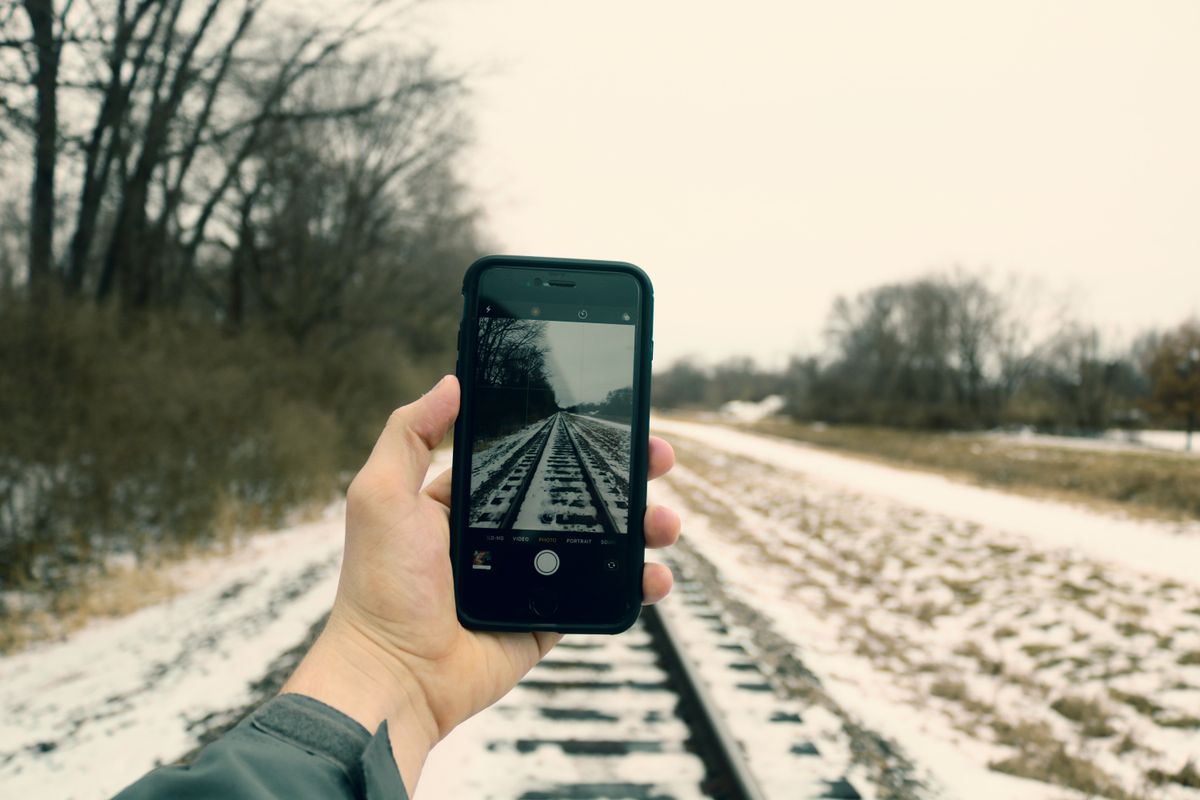
A polarizing filter for iPhone is a small external attachment that clips or mounts over your phone's camera lens to reduce glare, deepen skies, and saturate colours — at the moment of capture. The same physics that makes polarised sunglasses indispensable for driving makes a CPL filter valuable for mobile photography: it blocks horizontally reflected light that washes out water, glass, and foliage.
Here is what we cover: what a phone CPL filter is and how it works, our 3 top picks for iPhone, a comparison of mounting types, a step-by-step usage guide, when to use and when to skip, and what to look for when buying.
What Is a Polarizing Filter for iPhone?
A polarising filter for iPhone is an external circular polariser (CPL) that attaches to your phone to block polarised light. Unlike DSLR filters that screw onto a lens thread, phone CPLs use clip-on arms, magnetic rings, or proprietary case systems.
The filter contains a polarising layer that only passes light waves oscillating in one direction. When you rotate the filter ring, you change which orientation of light gets through. Align it correctly, and it blocks the horizontal glare from a lake, a shop window, or wet pavement — making the scene clearer and colours richer.
The catch: phone CPLs only work on the main wide-angle camera. The ultra-wide and telephoto lenses on multi-camera iPhones have different positions and sizes, so the filter cannot cover them. Some clip-on designs even risk obstructing adjacent lenses, which is worth checking before you buy.
For the full physics behind polarisation, see our guide on how polarisation works.
3 Best Polarizing Filters for iPhone
1. Freewell iPhone CPL Sherpa — Best Magnetic System
Freewell's iPhone CPL Sherpa uses a magnetic mounting system that attaches to a compatible Freewell case or cage. The filter snaps into place instantly and stays secure during handheld shooting.
The optical glass is multi-coated, which reduces flare and maintains sharpness. Rotation is smooth, and the filter is slim enough to avoid adding much bulk. At around $50, it is reasonably priced for a dedicated phone polariser.
The downside: you need the Freewell case or cage, which adds to the total cost. It is not a universal solution.
Buy it if: you want quick magnetic attachment and already use or plan to buy a Freewell case.
2. Moment AntiGlare CPL QuickLock — Best Optical Quality
Moment's AntiGlare CPL uses the company's QuickLock system — a press-and-lock design that attaches to a Moment phone case. The filter uses fused-silica glass with multi-layer coatings for excellent optical clarity.
The polarising effect is strong and colour-neutral. There is no noticeable colour cast, and the glass does not soften details. The AeroFrame body is lightweight yet durable. At $55, it is comparable to Freewell in price.
As with Freewell, you need a Moment case. The QuickLock system also only works on iPhone Pro models (15 Pro and newer).
Buy it if: optical quality is your priority and you have or want a Moment case.
3. K&F Concept 52mm Clip-On CPL — Best Value Universal Option
K&F Concept's 52mm clip-on CPL is the most versatile option. It uses a spring-loaded clip that attaches to any phone — no special case required. The 52mm filter size is the standard for phone clip-on systems.
The filter has 28-layer multi-resistant coatings, good colour neutrality, and a slim frame. It screws into the clip, so you can rotate it for polarisation control. At around $25–35, it costs about half the price of the dedicated case-based systems.
The trade-off: the clip adds some bulk, and you need to centre it manually over the lens. On multi-camera iPhones, check that the clip does not cover adjacent lenses.
Buy it if: you want an affordable universal filter that works with any phone and any case.
Types of iPhone CPL Mounts
Three mounting systems dominate the phone CPL market:
| Mount Type | How It Works | Pros | Cons | Price |
|---|---|---|---|---|
| Clip-on | Spring-loaded clip grips the phone | Universal fit, no case needed | Can obstruct adjacent lenses, may shift during use | $20–40 |
| Magnetic | Metal ring on case, magnet in filter | Quick swap, secure hold | Requires compatible case, adhesive ring may fail | $40–70 |
| Twist-lock / QuickLock | Press-and-lock to proprietary case | Precise alignment, stable | Only works with specific case, limited phone support | $45–80 |
How to Use a CPL Filter on Your iPhone
Using a phone CPL filter is straightforward. Here is the process:
Step 1. Mount the filter. Clip it on, snap it magnetically, or lock it onto your case. Make sure it is centred over the main wide-angle camera lens and does not obstruct any other lenses.
Step 2. Open your camera app. Use the native Camera app or a third-party app that gives you manual control. The polarisation effect is visible in the viewfinder in real time.
Step 3. Rotate the filter ring. Point the phone at a reflective surface — water, a window, wet leaves — and slowly rotate the filter ring. Watch the glare diminish and colours intensify. Stop when the effect looks right.
Step 4. Recompose if needed. If you move to a different scene or the sun changes position, recheck the rotation. The optimal angle depends on the sun's position relative to your subject.
For more on the 90-degree rule and polarisation angle, see our guide on what is a CPL filter.

When to Use an iPhone Polarizing Filter
Phone CPL filters are situational tools. They shine in these scenarios:
Landscape photography. Cut haze from distant mountains, deepen blue skies, and increase contrast with clouds. The effect is immediate and cannot be replicated in editing.
Water scenes. Eliminate surface glare from lakes, rivers, and pools so you can see below the surface. This is the single most dramatic use case for a phone CPL.
Through glass. Shooting through a car window, shop window, or museum display case? A polariser removes or reduces reflections.
Foliage and gardens. Reflected light from leaves and grass washes out greens. A CPL restores the saturated colour that makes plants look vibrant.
When NOT to Use an iPhone CPL
Knowing when to remove the filter is just as important.
Low light. A CPL cuts 1–2 stops of light. In dusk, indoor, or overcast conditions, this can introduce noise or motion blur.
Shooting into the sun. The polarisation effect is minimal, and the filter adds risk of flare.
When you want reflections. Mirror reflections on water, glossy wet streets, or glass buildings are sometimes the point of the shot.
Wide panoramic shots. If you sweep across a wide scene, the sky may darken unevenly because the polarisation angle changes across the frame.
Common misconception: phone CPLs work on every lens
Many first-time buyers assume a CPL filter covers the entire camera module. It does not. Phone CPLs are designed for the main wide-angle lens only. On an iPhone with three cameras, only the main lens gets the polarised effect. The ultra-wide and telephoto remain unfiltered.
Some clip-on designs are wide enough to cover two lenses but then risk misalignment or vignetting. The safest approach is to position the filter over the main lens and accept that the other lenses are unaffected.
External resources
- Moment: How to Get Started with the CPL QuickLock Filter for iPhone — official setup guide covering installation, usage, and care for the Moment CPL system
- Alibaba Electronics Hub: Mobile Phone CPL Filter Guide — practical buying guide covering mounting types, glass quality, and price tiers
Recommended Products
These are the phone CPL filters recommended in this guide:
- Freewell iPhone CPL Sherpa — Best magnetic system for iPhone
- Moment AntiGlare CPL QuickLock — Best optical quality
- K&F Concept 52mm Clip-On CPL — Best value universal option
Frequently Asked Questions
What is a polarizing filter for iPhone?
A polarizing filter for iPhone (also called a CPL filter) is an external optical accessory that clips onto or attaches to your phone to reduce glare, darken skies, and boost colours. It works the same way as a DSLR polariser — it blocks polarised light waves — but uses a clip-on, magnetic, or case-based mounting system instead of screw threads.
How do I use a CPL filter on my iPhone?
Attach the filter over your iPhone's main camera lens, open the camera app, and rotate the filter ring slowly while watching the preview. Stop when the glare disappears and colours look richer. Recheck alignment if you change scenes, as the polarisation angle depends on the sun's position.
Do CPL filters work on iPhone?
Yes, a quality CPL filter works well on iPhone cameras. It reduces reflections from water and glass, darkens blue skies, and increases colour saturation — effects that cannot be replicated in post-processing. The main caveat is that it reduces light by about 1–2 stops, so it is less useful in low-light conditions.
What is the best CPL filter for iPhone?
The best CPL filter for iPhone depends on your mounting preference. The Freewell iPhone CPL Sherpa offers the best magnetic system for quick attachment. The Moment AntiGlare CPL QuickLock provides excellent optical quality with a press-and-lock design. The K&F Concept 52mm clip-on CPL is the best value universal option.
Can I use a polarizing filter on my phone camera?
Yes, most phones can use an external polarising filter with the right mounting system. Clip-on filters work with any phone. Magnetic and case-based systems require a compatible case. The filter must be positioned over the main wide-angle camera lens — it will not work on ultra-wide or telephoto lenses.
When should I not use a CPL filter on my iPhone?
Avoid using a CPL filter in low light (it reduces light by 1–2 stops), when shooting directly toward or away from the sun (minimal polarisation effect), or when you want reflections to remain part of the composition. Also remove it if the filter obstructs adjacent camera lenses on multi-lens iPhones.
Do I need a special case for an iPhone CPL filter?
Clip-on filters work without a special case. Magnetic and twist-lock systems require a compatible case from the same brand (e.g., Freewell case for Freewell filters, Moment case for Moment filters). Check compatibility before buying — not all cases work with all filter systems.
Will a CPL filter work on all iPhone camera lenses?
No. A CPL filter should be positioned over the main wide-angle lens only. It will not fit or function correctly on the ultra-wide or telephoto lenses. Some clip-on designs may obstruct adjacent lenses on multi-camera iPhones (iPhone 13 Pro and newer). Check the filter's dimensions against your phone's camera layout.

About Umar Farooq
Umar Farooq writes in-depth guides on the physics of light and optics — from reflection, refraction, and lenses to diffraction, lasers, and fiber optics, explained from first principles.
Read more about Umar Farooq →