
Fiber optic cable comes in two main types — single-mode and multimode — and choosing the right one depends on the distance you need to cover, the speed you need, and your budget. This buying guide walks through every decision you will face: single-mode vs multimode, connector types, jacket ratings, simplex vs duplex, pre-terminated vs field-terminated, and the basic steps for wiring and connecting.
Here is what we cover: seven key buying factors that determine which fiber optic cable is right for your network.
Single-Mode vs Multimode Fiber
This is the first and most important decision. The type of fiber determines how far and how fast your network can go.
Single-mode fiber (OS1/OS2) has a 9 µm core — about one-tenth the width of a human hair. It uses a focused laser beam at 1310 nm or 1550 nm and supports distances beyond 10 km at 10 Gbps, with some transceivers reaching 100 km or more. Single-mode is the standard for telecommunications, internet backbones, submarine cables, and any run longer than a few hundred metres.
Multimode fiber (OM1–OM5) has a larger core — 50 µm (OM2–OM5) or 62.5 µm (OM1). It uses LED or VCSEL light at 850 nm or 1300 nm. The larger core allows multiple light paths (modes), which limits the maximum distance. OM4 multimode supports 10 Gbps up to 550 m and 100 Gbps up to 150 m. OM5 adds shortwave wavelength division multiplexing (SWDM) to increase capacity over the same fibre.
Which one should you buy?
- For home or small office runs under 300 m: OM4 multimode is cheaper and adequate
- For data centre connections under 150 m: OM4 or OM5 multimode
- For campus, carrier, or any run over 300 m: OS2 single-mode
- For future-proofing beyond 100 Gbps: OS2 single-mode — the transceivers are more expensive but the cable lasts decades
The price gap has narrowed. A 3 m LC-LC duplex OM4 patch cable costs about $8–10; an equivalent OS2 cable costs about $9–12. The cost difference is small; the capability difference is not.
Connector Types
Fiber optic connectors are the physical interface between the cable and your equipment. Unlike Ethernet's universal RJ45, fiber has several competing connector types, and they are not interchangeable.
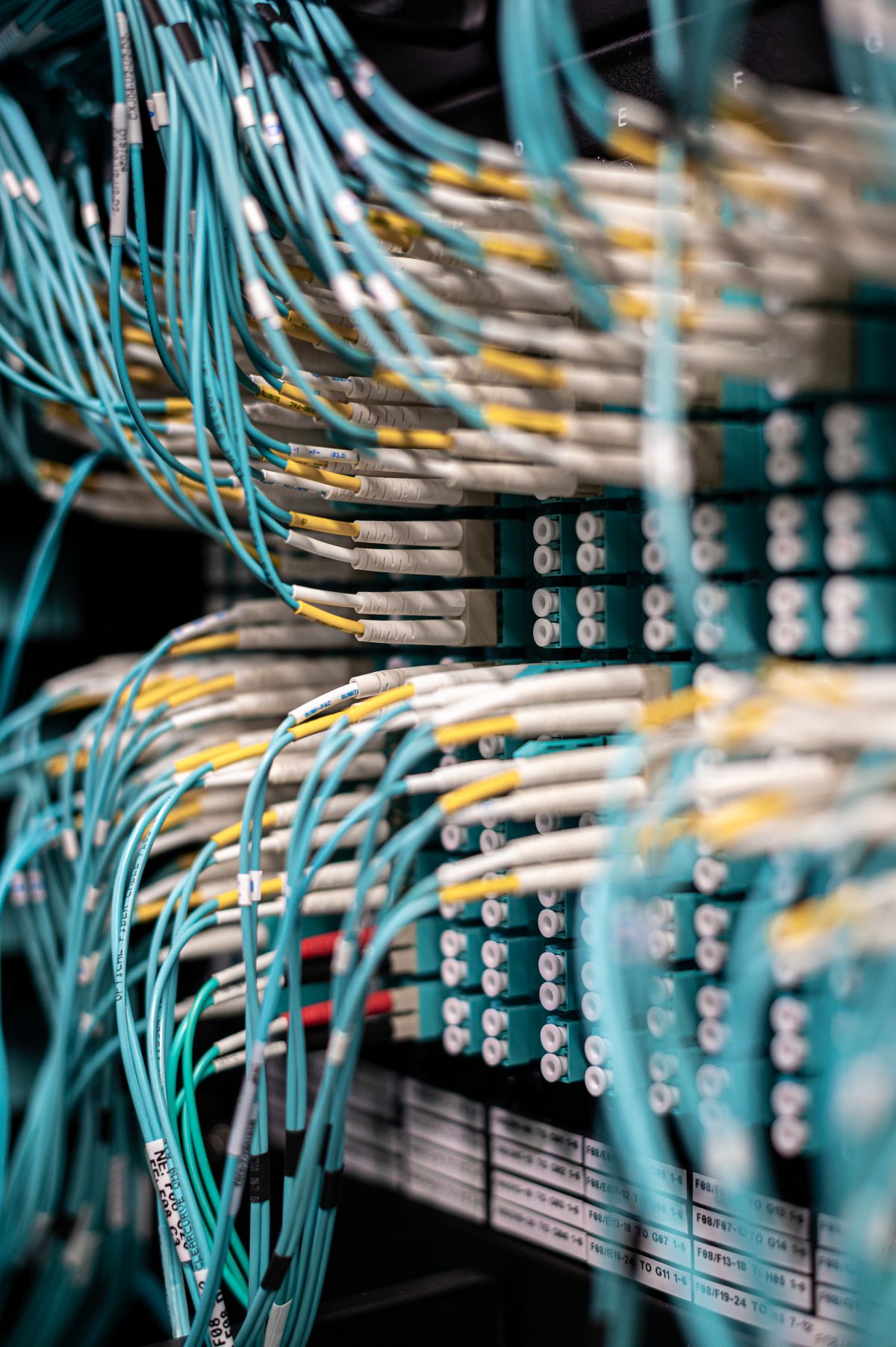
LC (Lucent Connector) — the most common connector in data centres and enterprise networks. It uses a 1.25 mm ferrule, about half the size of SC. The small size makes it ideal for high-density panels. Most SFP and SFP+ transceivers use LC.
SC (Subscriber Connector) — a push-pull connector with a 2.5 mm ferrule. It is common in telecom and CATV. SC is larger than LC but easier to grip and more robust.
ST (Straight Tip) — a bayonet-style connector with a 2.5 mm ferrule. It was common in older installations and is still found in industrial and military networks. Being phased out in new builds.
FC (Ferrule Connector) — a screw-on connector with a 2.5 mm ferrule. It is used in high-vibration environments and precision test equipment because the screw coupling holds firmly.
MPO/MTP (Multi-Fibre Push-On) — a multi-fibre connector that holds 8, 12, or 24 fibres in a single plug. It is used for high-density backbone connections in data centres, especially with 40 Gbps and 100 Gbps parallel optics.
Which connector should you buy? If your equipment uses SFP or SFP+ transceivers (most modern switches and routers do), buy LC. If you are connecting to telecom equipment or an ONT, buy SC. For anything else, match the connector on your equipment.
Make sure the connector polish matches too: UPC (Ultra Physical Contact) is standard for most applications; APC (Angled Physical Contact, usually green) is used for RF video and passive optical networks.
Cable Jacket Ratings
The jacket is the outer covering of the cable, and its fire rating determines where you can legally install it.
- Plenum-rated (CMP or OFNP) — for air-handling spaces (drop ceilings, raised floors). It resists flame spread and produces minimal smoke. Required by most building codes in plenum areas.
- Riser-rated (CMR or OFNR) — for vertical runs between floors. Less strict than plenum but still fire-resistant.
- General-purpose (CMG or OFNG) — for horizontal runs within a room, not through walls or floors.
- LSZH (Low Smoke Zero Halogen) — used in Europe and in confined spaces (submarines, trains, aircraft). Produces minimal toxic smoke.
For indoor installations, plenum-rated is the safest choice. If your local code requires plenum in ceiling spaces, do not substitute riser-rated — you will fail inspection. Outdoor installations use armoured or dielectric cable rated for burial or aerial use.
Simplex vs Duplex
Fiber optic cables come in two configurations.
Simplex has one strand of fiber with one connector at each end. It sends data in one direction only. You need two simplex cables (or a duplex cable) for bidirectional communication.
Duplex has two strands side by side (zip-cord style) and two connectors at each end. Most network equipment uses duplex because it needs separate fibers for transmit and receive.
Which should you buy? For nearly all networking applications — switches, routers, servers, media converters — buy duplex. Simplex is used only for unidirectional applications like CATV downstream or certain sensor links.
Pre-Terminated vs Field-Terminated
Pre-terminated cables are manufactured with connectors already attached. They are tested at the factory, guaranteed to meet loss specifications, and ready to plug in. This is the right choice for 90% of buyers.
Field-terminated cables are bare cable that you cut to length and attach connectors yourself on site. This is necessary when you need to pull cable through conduit where a pre-terminated connector will not fit. It requires special tools — a fiber cleaver, stripper, connector kit, epoxy or mechanical splice, and curing oven or polishing puck — and significant skill.
For the first-time buyer or smaller installation, buy pre-terminated cables in standard lengths (1 m, 3 m, 5 m, 10 m, 15 m, 30 m). Order custom lengths from manufacturers if you need exact runs. Leave field termination to the professionals.
How to Wire and Connect Fiber
Wiring fiber is simpler than most people expect when you use pre-terminated cables.
- Run the cable — avoid sharp bends. The minimum bend radius for most fiber is about 10× the cable diameter (roughly 2–3 cm for a patch cable). Never pull on the connector — pull on the cable jacket using the pull boot.
- Clean the connectors — use lint-free wipes and isopropyl alcohol. Dust and oil on the connector end-face are the most common cause of signal loss. Inspect with a scope if available.
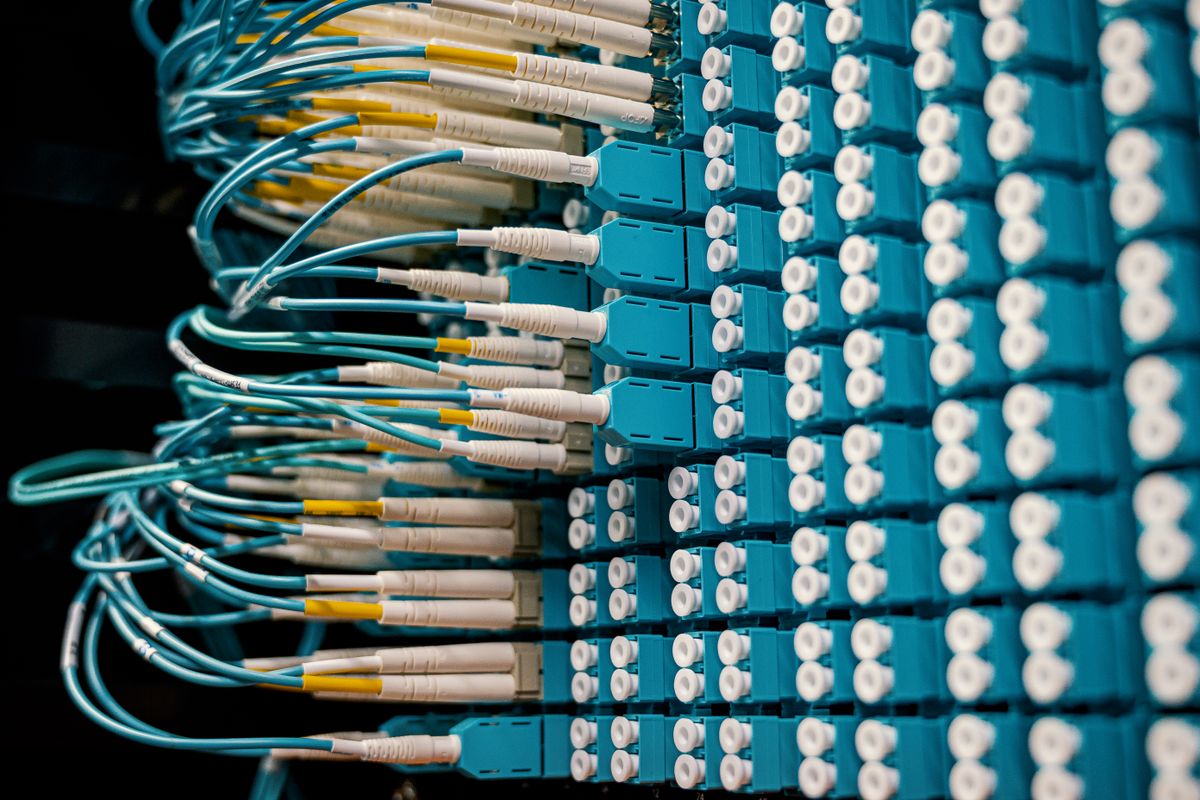
- Plug into the transceiver — remove the dust cap from the transceiver, align the connector key with the slot, and push gently until it clicks. Do not force it.
- Connect the other end — repeat at the far end. Most single-mode transceivers have a TX (transmit) and RX (receive) port; a duplex cable connects TX on one end to RX on the other, and vice versa.
- Test the link — check that the link lights on both switches are green or solid. For critical runs, use a light source and power meter to measure loss.
Tools you will need: a fiber inspection scope, lint-free wipes, isopropyl alcohol, and (for permanent installations) a light source and power meter or OTDR.
A Common Misconception: Fiber Is Too Expensive and Fragile
Two myths stop people from buying fiber when it is the right choice.
Myth 1: Fiber is much more expensive than copper. For short patch cables, the price is essentially the same — a 3 m LC-LC OM4 patch cable costs around the same as a Cat 6A patch cable. For long runs, fiber can be cheaper because a single fiber run of 500 m requires no repeaters, while copper at that distance would need several signal boosters. The transceivers are slightly more (SFP+ modules are $15–30 each), but the cabling itself is not the cost problem it once was.
Myth 2: Fiber is fragile and breaks easily. Modern fiber cable is surprisingly tough. The glass strand is protected by a primary coating, a buffer tube, strength members (aramid yarn or steel), and the outer jacket. A standard patch cable can be bent to a 2–3 cm radius without damage, and it withstands normal pulling forces during installation. The real fragility is in the connector end-face — keep the dust caps on when not connected and clean before plugging in.
External resources
- Fiber Optic Cable Buying Guide — Eaton/Tripplite — detailed buying guide covering single-mode vs multimode, connectors, jackets, and network speed considerations
- Fiber-Optic Cable — Wikipedia — reference article on fiber optic cable types, specifications, and standards
- Fiber Patch Connectors Guide — trueCABLE — breakdown of LC, SC, ST and MPO/MTP connectors with practical advice
For the different types explained in detail, start with types of fiber optic cable. For what the cables look like and how to identify them, read what does fiber optic cable look like. The basics of how light travels through the cable are covered in what is optical fiber.
Recommended Products
- LC-LC OM4 Duplex Fiber Patch Cable on Amazon — standard multimode patch cable for data centres and enterprise networks up to 100 Gbps
- LC-LC OS2 Single-Mode Fiber Patch Cable on Amazon — single-mode patch cable for long-distance and high-speed applications
- Fiber Optic Connector Cleaning Kit on Amazon — lint-free wipes, cleaning fluid, and inspection scope for maintaining clean terminations
- SC-SC Simplex Fiber Patch Cable on Amazon — simplex patch cable for CATV, telecom, and unidirectional links
Frequently Asked Questions
How do I choose a fiber optic cable?
Choose based on four factors: distance, speed, environment, and budget. For runs under 300 m at up to 100 Gbps, use OM4 multimode fiber with LC connectors. For runs over 300 m or future-proofing beyond 100 Gbps, use OS2 single-mode fiber. For indoor use, pick a riser-rated jacket (CMR). For plenum spaces, use plenum-rated (CMP). For outdoor, use outdoor-armored or loose-tube cable.
What is the difference between single-mode and multimode fiber cable?
Single-mode fiber has a 9 µm core and uses laser light at 1310/1550 nm. It supports distances over 10 km and speeds beyond 100 Gbps. Multimode fiber has a 50 or 62.5 µm core and uses LED or VCSEL light at 850/1300 nm. It supports distances up to 550 m (OM4) at 10 Gbps. Single-mode is for long-haul and high-speed; multimode is for short, cost-sensitive runs.
What are the different types of fiber optic connectors?
The most common fiber optic connectors are LC (small, standard for data centers), SC (push-pull, common in telecom), ST (bayonet-style, older but still found), FC (screw-on, used in high-vibration environments), and MPO/MTP (multi-fiber, used for high-density connections). LC and SC account for the majority of new installations.
Can I install fiber optic cable myself?
Pre-terminated fiber patch cables are plug-and-play and can be installed by anyone. For permanent in-wall or outdoor installations, you need specialized tools (fiber cleaver, stripper, connector kit, OTDR or power meter) and training. Many professionals recommend hiring a certified installer for terminations and splicing.
Is fiber optic cable more expensive than copper?
For short patch cables (1–10 m), the price difference between fiber and copper is minimal — a 3 m LC-LC OM4 patch cable costs about the same as a Cat 6A cable. For long runs, fiber is often cheaper than copper because copper requires signal boosters every 100 m while fiber runs kilometres without repeaters. The installation labour is higher for fiber.
What tools do I need to terminate fiber optic cable?
You need a fiber stripper (to remove the coating), a fiber cleaver (to make a clean break), a connector kit with epoxy or mechanical splice, a crimping tool, and a polishing puck. For testing, you need a light source and power meter (LSPM) or an optical time-domain reflectometer (OTDR). Cleaning supplies (lint-free wipes and isopropyl alcohol) are essential.
What does plenum-rated fiber optic cable mean?
Plenum-rated fiber cable (CMP or OFNP) has a jacket that meets fire codes for air-handling spaces — drop-down ceilings and raised floors used for HVAC return air. It resists flame spread and produces minimal smoke. Riser-rated (CMR or OFNR) is for vertical runs between floors and is less strict. Always check local building codes before choosing a jacket.
What is the difference between simplex and duplex fiber cable?
Simplex fiber cable has a single strand of fiber and one connector at each end. Duplex fiber cable has two strands side by side (zip-cord style) with two connectors at each end. Most network equipment uses duplex because it needs separate fibers for transmit and receive. Simplex is used for applications like CATV that only need one-way transmission.
How long can a fiber optic cable run without a repeater?
Multimode fiber (OM3/OM4) supports up to 300–550 m at 10 Gbps without a repeater. Single-mode fiber (OS2) supports 10–40 km at 10 Gbps, and up to 100 km or more with higher-quality transceivers. The exact distance depends on the transceiver power, receiver sensitivity, and number of connections/splices in the path.
Should I buy pre-terminated or field-terminated fiber cable?
Pre-terminated (factory-terminated) cables are tested, reliable, and plug-and-play, making them ideal for most users. Field-terminated cables require special tools and skill but allow you to pull the cable through conduits and terminate after installation. For new runs through walls, use pre-terminated with pullable connectors or hire a professional for field termination.

About Umar Farooq
Umar Farooq writes in-depth guides on the physics of light and optics — from reflection, refraction, and lenses to diffraction, lasers, and fiber optics, explained from first principles.
Read more about Umar Farooq →